How to train at the indoor trainer right in the browser
You can perform structured intervals on FATRACING without installing a separate training application. For the first run, go all the way in a short familiar lesson: connection, readings, load management and saving.
1. Prepare the machine and browser
If you are still choosing equipment, start with... choosing a compatible indoor trainer. If you're choosing between services — so app comparisons. Below is a description of the very first launch in FATRACING.
Open it "The machine" over HTTPS in the current Chrome on Windows, macOS or Android. The page also lists Edge and Brave. Checking support at the top of the page is more important than one browser name: if it says "Need Chrome/Edge", first solve the issue with Web Bluetooth.
To manage the load, our service uses Bluetooth FTMS. The presence of Bluetooth in the characteristics of the machine by itself does not confirm compatibility: check the FTMS support in the instructions of your model. Connecting only via ANT+ via this page does not work.
Turn on the power, check the bike mount and release the connection to the machine in other applications. Prepare ventilation and water so as not to be distracted by them after the recording starts.
2. Connect the devices and check the data
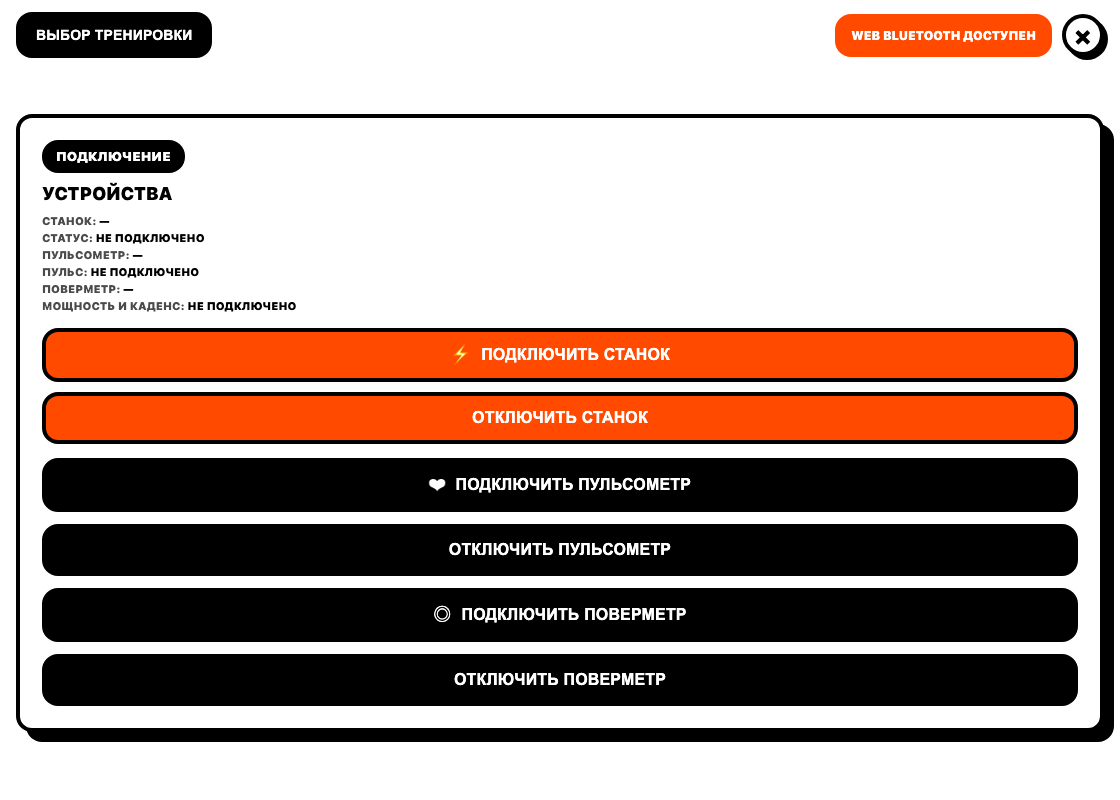
Click "Connect the machine" and select the device in the browser window. Then, if necessary, connect the heart rate monitor and the meter separately. Permission is granted after you click; the page does not select devices by itself. This is a requirement Web Bluetooth.
Start spinning calmly and check if the power and cadence appear. If a separate meter is connected, its power and cadence take precedence over the machine. Make sure you're looking at the right source. Do not continue the setting at random if the readings remain empty: open connection analysis.
3. Select a workout and set FTP
Select the template in the "Our Workouts" section or upload the file via "Import .ZWO". The connected Intervals.icu allows you to select an activity from the plan for seven days; the activation procedure is described in a separate guide.
Check the FTP field before starting. For example, the goal of 60% with FTP 250 W corresponds to 150 W, and with FTP 200 W corresponds to 120 W. This is an example of recalculation, not an offer to install FTP 250 for yourself.
Look at the duration and sequence of intervals. FIT after class — recording of completed work; ZWO — task. They are used in different steps.
4. Check the ERG and start the activity
Enabled "ERG mode" means that the service sends the target power to the machine. When changing the cadence, the machine changes the resistance, so try to keep pedaling even. The capabilities and reaction speed depend on the equipment.
Click "Twist". Check the passage of time, the actual watts and the purpose of the interval. If you have turned on "Autostart" in advance, consider starting at the beginning of pedaling. To pause and finish, use the corresponding buttons on the page; closing the tab does not replace the normal completion of the recording.
5. Save the result and check it
After "Stop", a completion window will open with "Download.FIT». Save the file to your device. To log in to your personal account, you need to log in to your account. If autosave is enabled, check the final status and the appearance of the activity in the account anyway.
Autoloading to Intervals.icu requires a configured connection. The message about the end of the workout is not equal to the confirmation of sending to an external service: check the activity there separately. In case of failure, the saved FIT remains a backup copy.
When the first launch is mastered, you can collect your task or choose a ready-made workout.